
Clockcheck · AI worker
Timesheet automation that reads back every hour it keys.
You get the week's hours keyed, checked and approved for you. When something does not add up, Clockcheck asks you in Slack and waits for your answer.
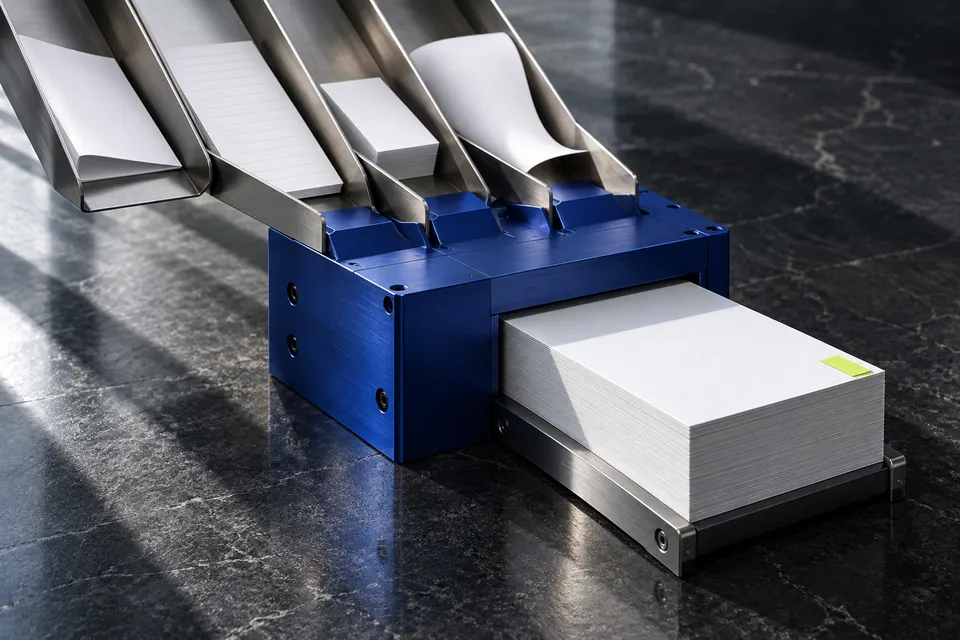
Every shift
- Key it
- Check it
- Approve it
Then the next one, the same way.
or ask you
Your week now
What a recruitment agency payroll week looks like now.
The hours do not arrive in one place, or in one shape.
- Timesheets turn up every way there is: a photo of a paper sheet, an app submission, a spreadsheet from a client.
- Someone opens each one and keys every shift into the platform by hand.
- Sheets that have not arrived get chased one at a time.
- A time keyed wrong is often found late, by somebody else, and the shift has to be opened and done again.
None of it is hard. It is slow, and it has to be right.
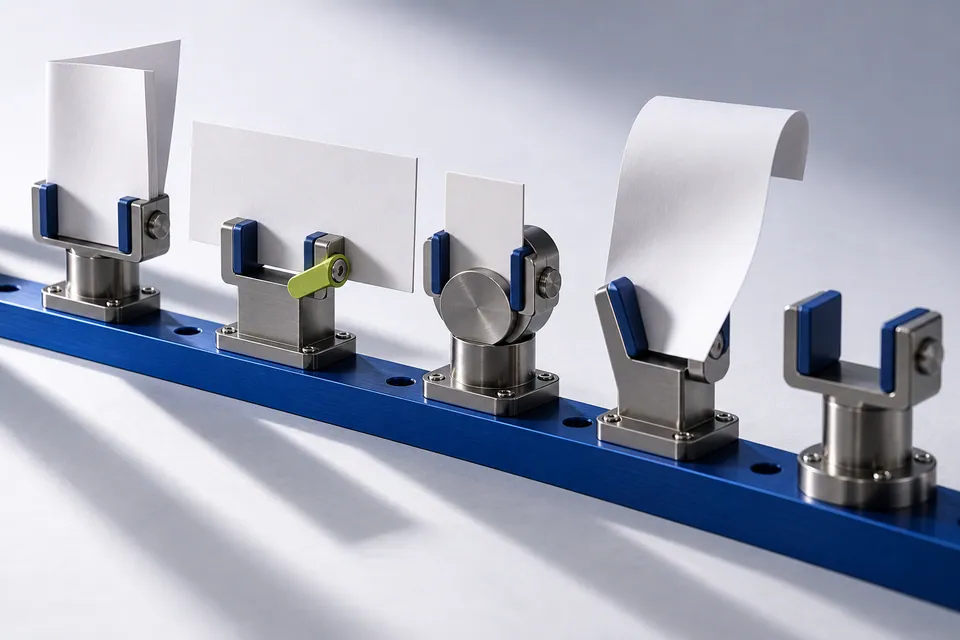
What it does
What Clockcheck does with your week.
Four things, in order, every time it runs.
It collects the week
Everything that has come in since it last looked: submitted sheets, paper sheets, spreadsheets from clients.
It keys the hours for you
It matches each timesheet to the shift it belongs to, then keys the start, the finish and the break straight into your platform.
It checks what it keyed
It opens the shift again and reads the saved times back, to be sure they went in the way the sheet says.
It approves it, or it asks you
Anything that matches is approved. Anything that does not is left alone, and you get a question about it.
In Slack
It talks to you in Slack.
It works through the week on its own, and it works when you ask it to in the channel. It tells you what it is starting on, and what it has done. A sheet that has not arrived gets asked about once, then goes on the outstanding list rather than being chased again that run.
One question at a time, about one shift, naming the worker and the day. Then it waits for your answer before it touches that shift again.
It stops and asks. It does not guess.
-
Clockcheck
Starting on last week. I am reading everything that has come in since I last ran.
-
Clockcheck
The client's Tuesday export: the tickboxes are hard to read. Can you check it, or send it again?
-
Sam
Leave that one with me.
-
Clockcheck
Alex, 11 September: no timesheet in yet. Do you want me to key the booked hours instead?
-
Clockcheck
That is everything I can do for now. What matched is keyed and approved. Two things are waiting on you: the client's Tuesday export, and Alex on 11 September.
Example messages. The names and times are made up.
The check
It checks its own work before any timesheet approval.
After it keys a shift, it reads the saved times back and checks them against the timesheet. It approves only when the two match, and it asks you when they do not.
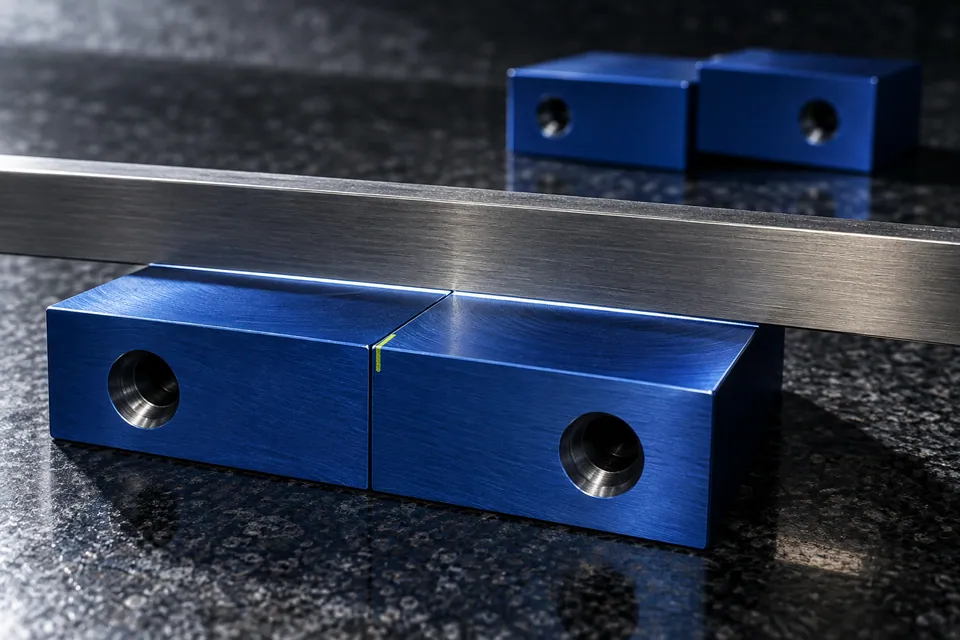
- Start What the sheet says What got saved Does not match
- Finish What the sheet says What got saved Matches
- Break What the sheet says What got saved Matches
-
Clockcheck
Alex, 11 September: the sheet says 7.30 to 15.30, the platform has 8.00 to 15.30. Which is right?
-
Sam
The sheet is right. Key it from the sheet.
Keyed again, read back, matched, approved, in the same exchange.
Example messages. The names and times are made up.
You stay in charge
Where payroll automation stops and you start.
- Nothing that changes what someone is paid happens without a timesheet it has matched and checked, or your say-so.
- You write the rules it follows, starting with which one wins when the client export and the worker sheet disagree. Only you change them.
- Every question and every answer stays in Slack, and every change stays in your platform's own history.
- If it stops, what it approved stays approved. You pick the keying up from where it got to.
Nothing gets paid on a figure it made up.
What you need
What you need to run it.
- Slack, and a channel for it to work in.
- Your timesheets, as photos, app submissions or spreadsheets.
- Its own login to the scheduling platform you already use.
- Someone to answer its questions.
Worked example
A week with Clockcheck in it.
- Early in the week it keys whatever has come in, and approves what matches.
- Midweek a client's own export arrives. It checks that against what was booked and approves those shifts without changing the client's figures.
- Later it asks you about the few shifts that did not add up. You answer in Slack and it finishes them off.
- By the time you sit down to close the week, most of it is already done. What is left is the judgement calls.
A hypothetical week. Nothing here has been measured.
Questions
What people ask before handing over a week.
What happens when it is not sure?
Can it change what someone is paid in the weekly payroll?
Does it replace the person who does timesheet processing?
What happens to timesheet approval if it stops?
Is it a time and attendance system?
Which timesheets can it read?
What timesheet data does it keep?
Keep exploring.
Talk to us
Tell us how your hours arrive.
Most of it comes out in the first conversation.
Tell us how your timesheets come in and which platform you key them into. We will show you where Clockcheck fits.
Book a Clockcheck callA conversation with a director
Tell us what your week looks like.
You do not need to know what technology you need. Tell us how the hours reach you today, and who signs the week off.
Your operation is the starting point.